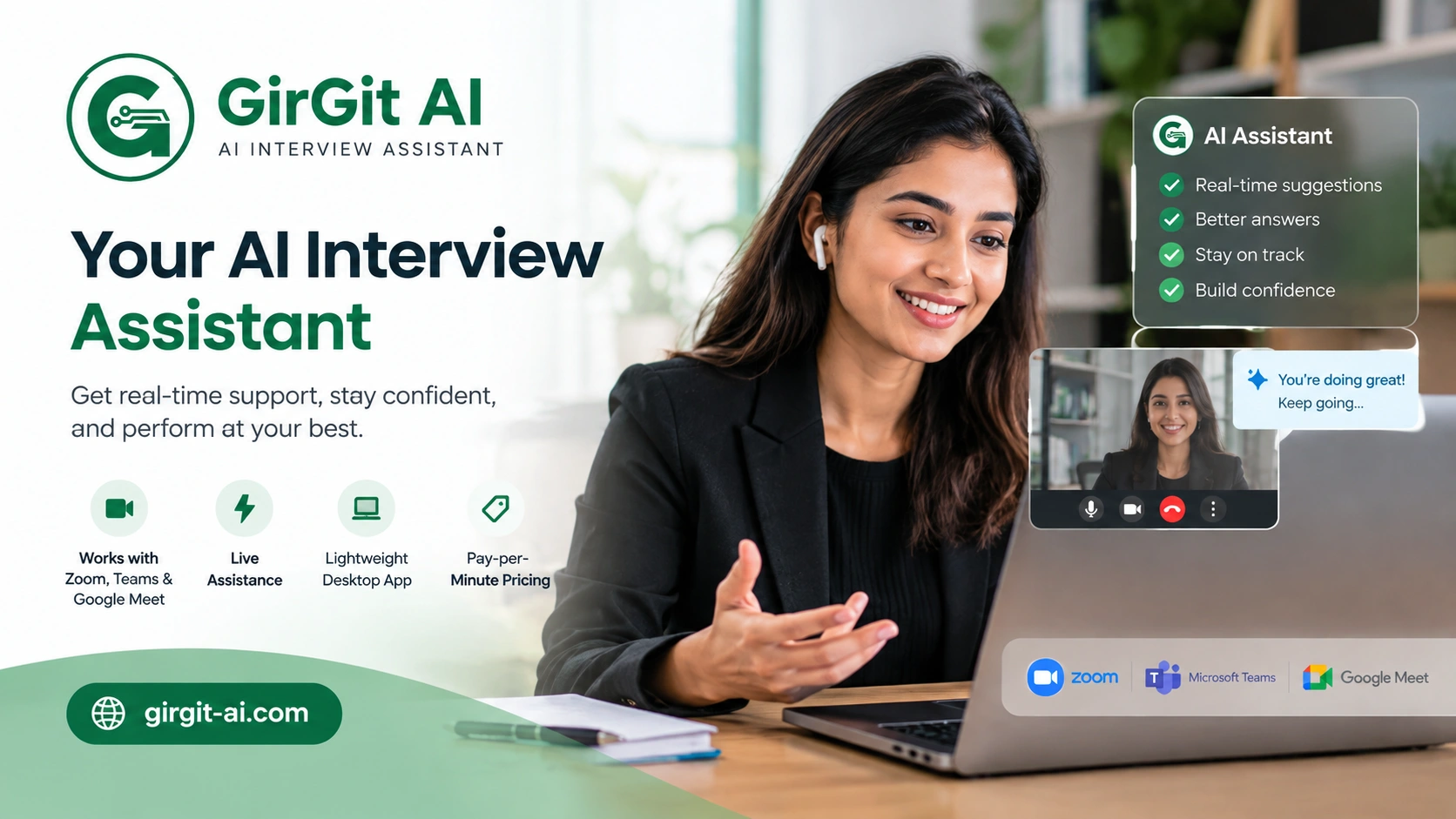
A real-time AI interview assistant 2027, GirGit AI, listens during live interviews and shows clear, context-aware answers on an invisible overlay. ₹5/minute, no subscription.
A hard question lands three minutes into a final-round interview, and everything you rehearsed the night before disappears. That gap between hearing a question and answering it well decides far more interviews than most candidates realise.
An AI interview assistant closes that exact gap. It listens to the conversation as it happens, works out what the interviewer is really asking, and puts a clear, usable answer in front of you within seconds – without the interviewer ever knowing it is there.
GirGit AI is an AI interview tool designed to help during live video interviews on Zoom, Microsoft Teams, and Google Meet. It runs on your desktop, keeps your data on your own computer, and offers pay-per-minute pricing instead of a monthly subscription. This page sets out how it works, where it helps most, what it costs, and how it compares with the wider category of AI interview tools people search for – real-time helpers, practice platforms, and browser extensions alike.
What Is an AI Interview Assistant?
A real-time AI interview helper is software that listens to a live interview, converts the interviewer’s speech to text, and generates a relevant answer while the conversation is still going. It is different from a general chatbot like ChatGPT, which you have to open, type into, and read from separately. A purpose-built assistant such as GirGit AI is tuned for the live moment: it recognises whether a question is technical, behavioural, or coding-related, and it replies using the context of your resume and the job description, not generic internet knowledge.
It is different from regular interview preparation tools. Practice platforms help you get ready before the interview with mock questions, sample answers, and feedback. A real-time assistant helps you during the actual interview, giving it a different role from a prep tool. This is also why the best AI interview assistant 2027 options are often described as interview copilots.
An AI interview assistant is a tool that listens to questions during a live interview and provides relevant answers in real time. GirGit AI uses your resume and job description to create context-based responses and works with Zoom, Microsoft Teams, and Google Meet.
| AI Interview Tool | Main Purpose | When It Is Used |
|---|---|---|
| AI Interview Assistant | Live interview support | During an interview |
| Interview Practice Tool | Mock questions and practice | Before an interview |
| General AI Chatbot | General questions and research | Before or during preparation |
| Resume AI Tool | Resume creation and review | Before applying |
Candidates should also check the rules of the employer, interview platform, or assessment before using live AI assistance. Some interviews may require unaided responses.
How GirGit AI Works During a Live Interview
The AI for interview tool works quietly in the background while you keep your interview platform open and shared as usual:
- It listens to the interviewer through your system audio and converts speech to text as the question is being asked.
- It identifies the type of question – technical, behavioural, or coding – so the response matches what is actually being tested.
- It builds the answer using your resume and the job description, so the response fits your background instead of reading like a textbook definition.
- It displays the answer on an overlay that appears only on your screen. The interviewer cannot see it, and it does not show up in screen sharing or screen recording.
- It works on Zoom, Microsoft Teams, and Google Meet, and because it runs as a desktop application rather than a browser tab, there is nothing extra to alt-tab into during the call.
Features of GirGit AI
- Real-time listening and transcription of interview questions as they are spoken.
- Context-aware answers built from your resume and the job description.
- Question-type recognition for technical, behavioural, and coding questions.
- An invisible overlay that stays hidden from the interviewer, screen sharing, and screen recording.
- Works with Zoom, Microsoft Teams, and Google Meet.
- Runs as a lightweight desktop application on Windows, so processing happens on your own machine.
- Minute-based pricing with no subscription or monthly commitment.
- A 10-minute free trial to test it before paying for anything.
GirGit AI Pricing
GirGit AI costs ₹5 per minute, with no subscription and no fixed monthly fee. You pay only for the minutes you actually use during an interview, and a 10-minute free trial is available before you spend anything. This is a different model from most of the cheapest AI interview assistants on the market, which typically charge a recurring monthly or quarterly fee regardless of how many interviews you actually attend that month. For occasional interviews or one important call, an interview AI helper with per-minute pricing helps you pay only for the time you use, without an ongoing subscription.
AI Interview Helper vs Interview Preparation Tools?
Finding the right interview software can be difficult when every tool offers something different. Some help during live interviews, while others focus on practice and preparation. Understanding these differences makes it easier to compare your options and find the best AI interview assistant in 2027 for your needs.
An interview preparation platform is mainly used before the interview. It can help candidates practise common questions, improve answers, review resumes, and prepare for specific job roles.
A live, real-time AI interview helper is designed for use during the interview itself.
| Feature | GirGit AI | Interview Practice Platform |
|---|---|---|
| Live interview support | Yes | Usually no |
| Real-time question processing | Yes | Usually no |
| Resume context | Yes | Depends on tool |
| Job description context | Yes | Depends on tool |
| Mock interview practice | Not the main purpose | Yes |
| Live AI answers | Yes | Usually no |
| Pay per minute | Yes | Usually different |
| Monthly subscription required | No | Depends on platform |
This distinction is useful when searching for an AI for interview tool because not every AI interview product is designed for live conversations.
Who Uses a Real Time AI Interview Assistant?
Job seekers are the main users of live AI tools for interviews, including candidates preparing for technical interviews, students attending their first important interviews, career changers, and professionals applying for senior roles. An interview AI helper can support candidates as they prepare and respond to interview questions with greater confidence.
Benefits for candidates typically include:
- A calmer interview experience, since a blank moment no longer means a lost question.
- Answers grounded in your own resume rather than generic templated responses.
- Support across question types, so technical and behavioural rounds are both covered.
- A pay-as-you-go cost that scales with how often you actually interview.
On the employer side, the broader category of AI interview technology includes separate tools used for structured screening, scoring, and interview scheduling – a different product built for recruiters rather than candidates, and worth treating as its own topic when researching hiring software.
Real-Time Assistance vs Interview Practice Tools
A practice tool helps you get ready before an interview, while real-time AI tools for interviews can support you during the interview itself. Practice platforms are useful for getting comfortable with common questions and building confidence. A live tool such as GirGit AI can provide support when difficult technical or system-design questions come up. An AI interview assistant free trial can also be a simple way to test how the tool works before choosing a plan.
How to Prepare for an AI-Powered Interview?
- Keep an updated resume ready and load the job description before the call, since the assistant uses both for context.
- Test your microphone and system audio beforehand so speech is picked up clearly from the first question.
- Run a short trial call using the free minutes to see how the overlay appears and where it sits on your screen.
- Keep your video platform – Zoom, Teams or Meet – open exactly as you would for a normal interview.
- Treat the suggested answer as a starting point to build on in your own words, rather than reading it word for word.
Setup in Minutes
Getting started does not require a technical background:
- Download the GirGit AI setup file for Windows.
- Run the installer and open the application.
- Add your resume and the job description for the role you are interviewing for.
- Join your interview on Zoom, Teams, or Google Meet as usual, with GirGit AI running in the background.
- The overlay activates automatically once the conversation starts, showing answers as questions come in.
Ready For Your Next Interview?
Download GirGit AI and get real-time AI interview assistance whenever you need it.
- ₹5/minute pricing
- No subscription
- Pay only for what you use
- Setup in minutes
Download: Get the GirGit AI setup file for Windows
Connect on WhatsApp: +91 81769 87384
Is Using an AI Interview Assistant a Red Flag?
Opinions on this differ across companies and roles. Some employers are comfortable with candidates using AI support tools, in the same way calculators or reference notes are accepted in certain assessments; others expect answers to come entirely unaided, particularly for senior or highly technical positions. A good approach is to use AI tools for interviews as support, not as a script. Understand the answer, put it in your own words, and be ready to explain it further when the interviewer asks a follow-up. Responses that sound too polished, formal, or rehearsed can feel unnatural. Using AI tools for interview preparation as a support keeps your answers clear, natural, and closer to your own speaking style.
What is an AI tool for interviews?
An AI interview assistant 2027 is software that listens to a live interview, converts the spoken question into text, and generates a relevant answer while the conversation continues. It differs from general chatbots because it responds to live audio using context from your resume and the job description, rather than requiring you to type a question yourself.
How does an AI for interviews work?
It listens through your system audio, transcribes the question in real time, works out whether it is technical, behavioural, or coding-related, and then produces an answer built around your background. GirGit AI displays this on an overlay visible only to you, on top of Zoom, Teams, or Google Meet.
How much do AI interview assistants cost?
Pricing varies by tool. Many charge a recurring monthly or quarterly subscription regardless of usage. GirGit AI instead charges ₹5 per minute with no subscription, so cost is tied directly to how many minutes of interview time you use, and a 10-minute free trial is available first.
Is there a free AI interview assistant?
GirGit AI offers a 10-minute free trial so you can test the overlay and response quality before paying anything. After the trial, it moves to ₹5 per minute with no subscription required, so there is no ongoing cost when you are not interviewing.
Can I use ChatGPT for an interview?
ChatGPT can help you prepare for an interview by practising answers, checking your resume, and researching the company before the call. It is less suitable for live interviews because you need to type each question and switch away from the interview screen to see the response. An AI interview helper built for real-time use can provide support during the interview without these extra steps.
How can I prepare for an AI-powered interview?
Keep your resume and the job description ready, test your microphone in advance, and run a short trial session before the real interview. Treat any suggested answer as a base to build on in your own words, and stay ready for follow-up questions that go beyond the first response.
How does GirGit AI work during an interview?
GirGit AI listens to the interview audio, processes spoken questions, identifies the type of question, and generates a response using the available interview context. The response is shown through its desktop interface while you continue using your interview platform.
How much does GirGit AI cost?
GirGit AI costs ₹5 per minute and does not require a monthly subscription. Users can also test the service with a 10-minute free trial before paying.
Can I use an AI interview assistant with Zoom and Teams?
Yes. GirGit AI is designed to work with Zoom, Microsoft Teams, and Google Meet. It runs as a Windows desktop application and provides AI interview assistance while the supported interview platform is running.